Turn surplus food
into new value

Put your end-of-day surplus in front of people nearby,
welcome new customers into your business
and give great food another chance.

  • Free registration
  • Built around your daily surplus
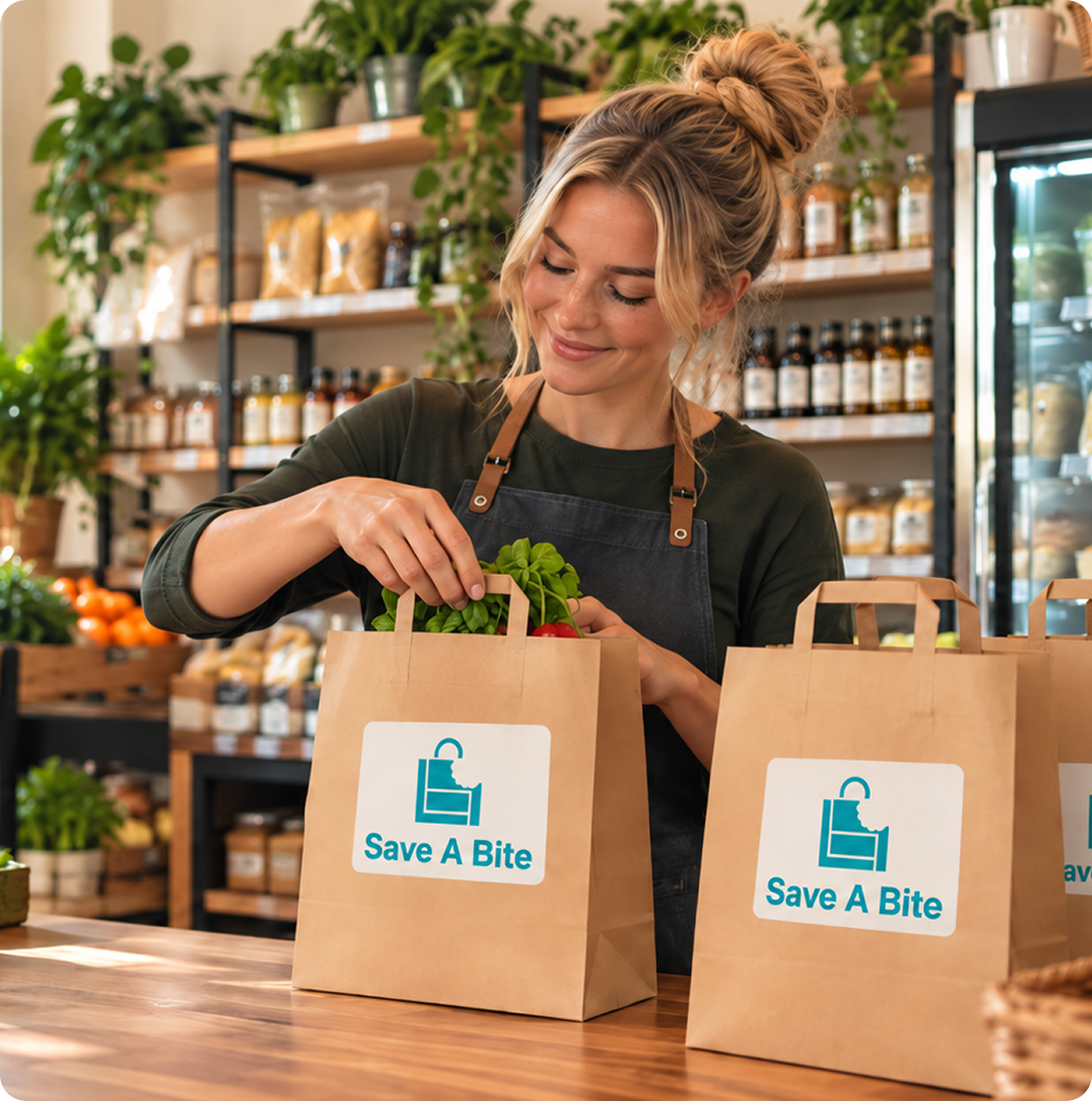
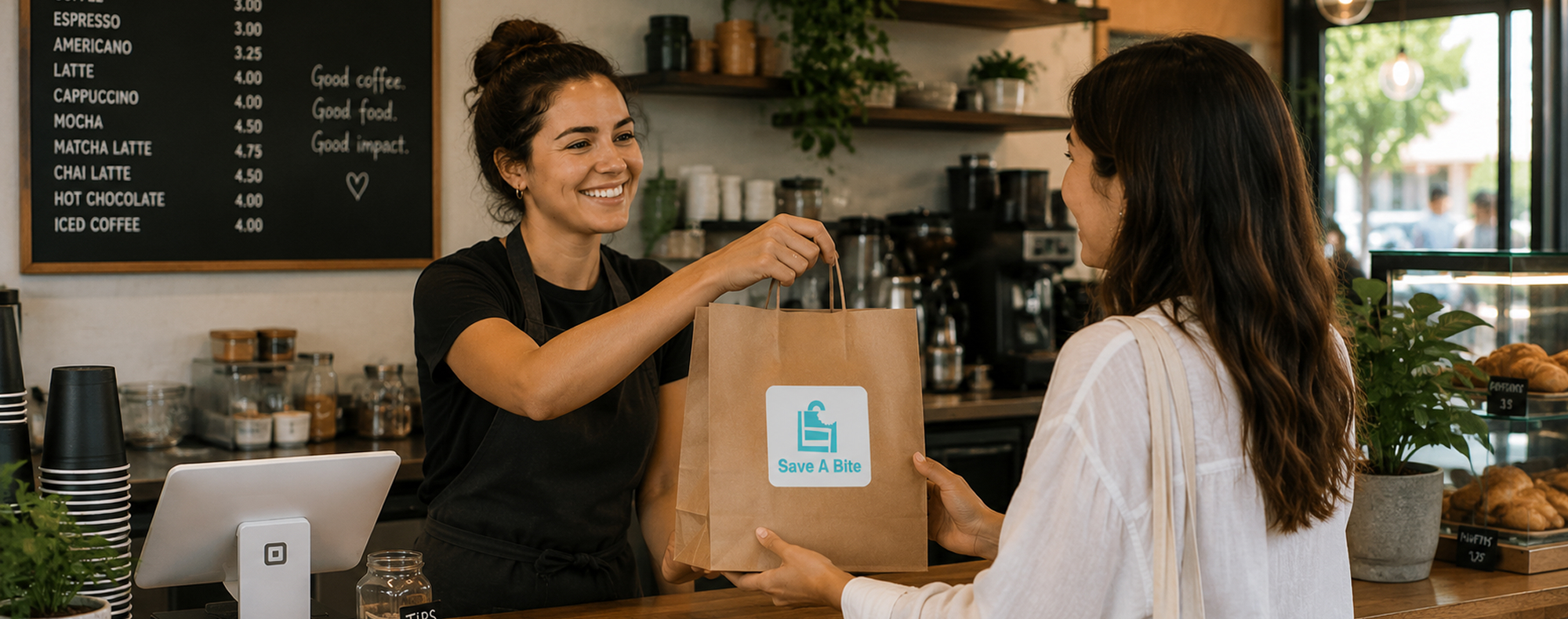
Shop owner packing surplus food into Save A Bite bags
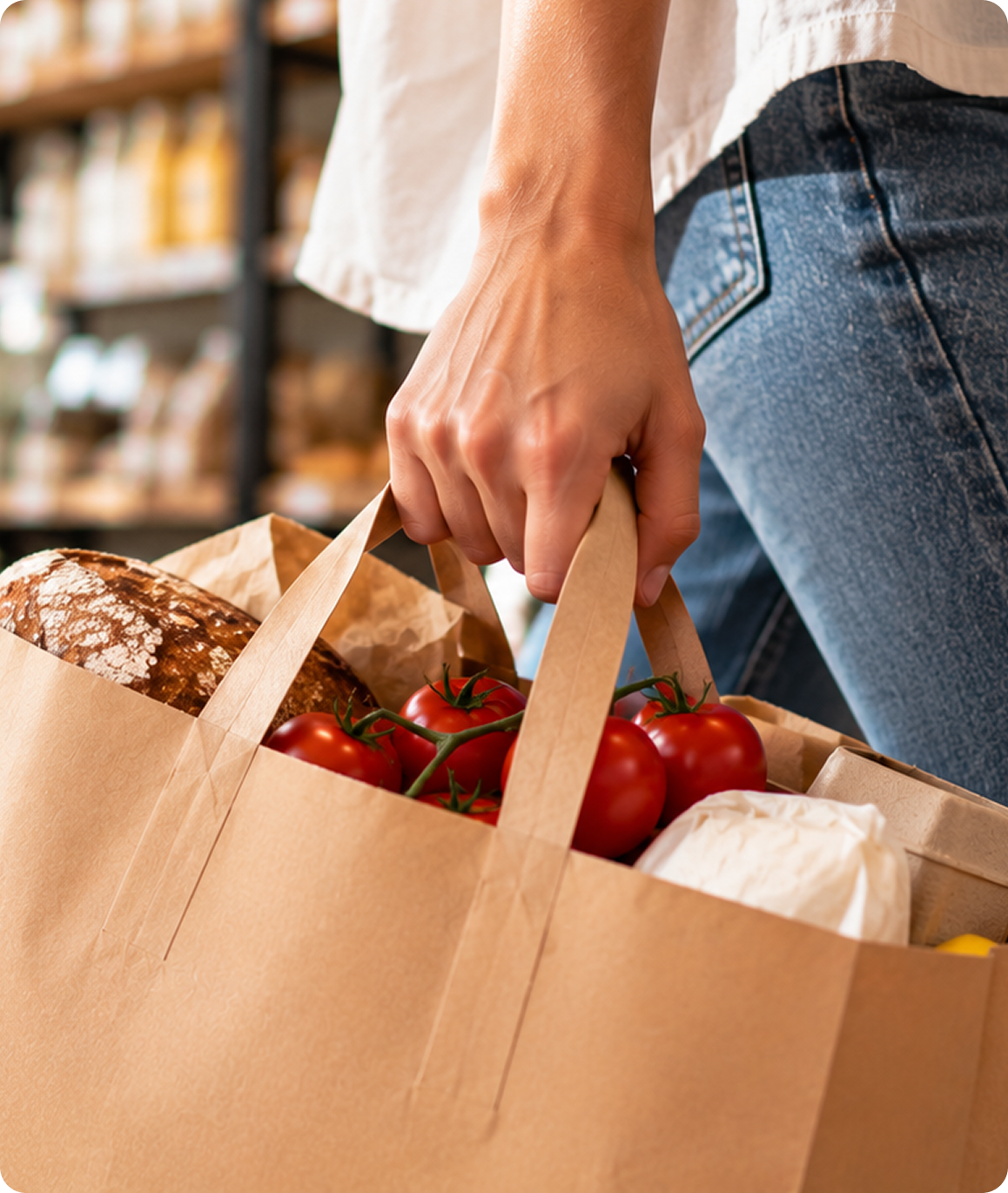
Customer carrying a paper bag with bread and tomatoes

Good for food.
Good for business.

Make every bite count for your business too. Save A Bite gives local food businesses a simple way to turn daily surplus into an extra opportunity, while bringing more people through the door.
Recover value from food already prepared

Turn what is still good at the end of the day into Mystery Boxes and recover value from food you have already produced or stocked

Bring new people into your business

Appear in front of local users when they are actively looking for something to collect nearby

Keep the process easy for your team

Set quantities and pickup times around your existing routine, so Save A Bite works with the way your business already runs

How it works

Once you’re a Save A Bite partner, you decide what to make available based on the surplus you actually have that day.

1

Add today’s surplus

Choose how many Mystery Boxes you have and set the pickup window that works for you

2

People nearby see it

Your available bags appear to local Save A Bite users looking for food to collect nearby

3

A customer reserves

The customer reserves a Mystery Box through Save A Bite before coming to you

4

Ready for pickup

Have the bag ready for the pickup window: the customer collects it at your business

Bakery staff packing a pastry into a paper bag

Some days it’s five bags.
Some days it’s one.

List what you have when you have it.
Quantities can change day by day, so your Save A Bite activity follows the real pace of your business.

12k+

Meals Rescued

45+

Local partners

10k+

Community members

150+

Daily surprise bags

There’s room for your business, too

Restaurants, bakeries, markets, caterers and more can join Save A Bite. If you have good food left at the end of the day, you can turn it into Mystery Boxes.

🍕

Restaurants & Pizzerias

Extra portions, pizza slices and prepared dishes

🍣

Sushi & Asian Food

Sushi, poke bowls, rice dishes and other prepared food

☕

Cafés & Bakeries

Bread, pastries, sandwiches and baked goods from the day

Save A Bite box filled with fresh food
🧁

Sweet Shops

Cakes, pastries, donuts and desserts left at the end of the day

🛒

Markets & Delis

Fresh produce, deli products and packaged food still good to enjoy

🍽️

Caterers & Meal Prep

Ready-made meals, prepared portions and surplus

How to join, step by step

Most businesses are live within a few days of signing up.

  1. 1

    Download the app

    Get Save A Bite from the App Store or Google Play.

  2. 2

    Sign up and go to your profile

    Create your account, then open your profile.

  3. 3

    Join as a business

    Choose the option to join as a business.

  4. 4

    Follow the prompts

    Add your banner, profile photo and details. You can change your address whenever you like, which is handy if you move around the island or run different pop-ups.

  5. 5

    Set up your Stripe account

    The app prompts you to connect Stripe. This is how you get paid every time you sell a box.

  6. 6

    Get approved and go live

    We approve you on the backend and you’re live. Tap “Add box” whenever you have surplus, and set your pickup times in your profile by day, with the option to automate some days. Very straightforward from there.

Who’s already on the app

Meet the local businesses already sharing their surplus with the community.

What the community is saying

Real stories from the businesses and customers behind Save A Bite.

Sustainable Coastlines Hawaii Logo

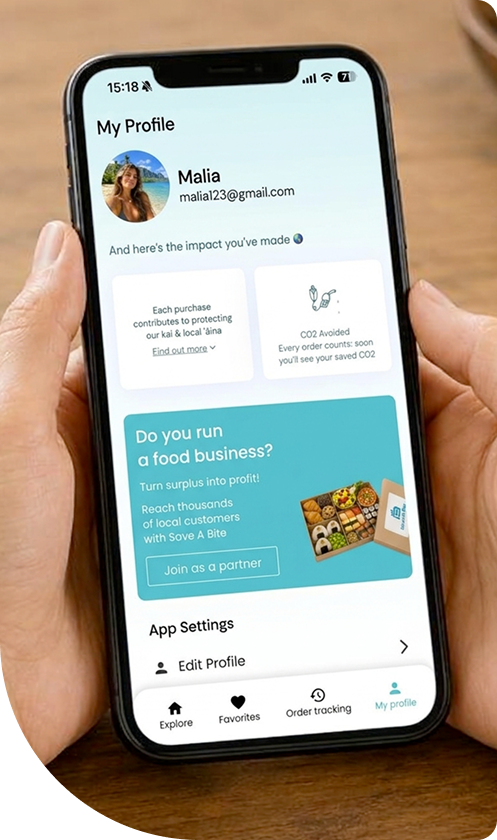
Each purchase contributes to protecting our coastlines

1% of Save A Bite proceeds will be donated to Sustainable Coastlines Hawaii, an organization dedicated to inspiring communities to care for coastlines.

Save A Bite Homepage

A few practical answers before you join

Does it cost anything to join?

Registration is free.

Do I need a separate POS system?

No. The customer pays directly in the app. They then come to your store and show their order number for pickup during your designated pickup window, so there’s nothing to ring up.

Do I have to create Mystery Boxes every day?

No. You add boxes only when you have surplus.

Do I decide what goes into each bag?

Yes, you choose what goes into each bag.

Can I change the number of bags?

Yes, quantities can change day by day.

Can I start with just a few bags?

Yes, start small and grow as you like.

Who chooses the pickup time?

You do, in your profile.

Can the pickup time change from one day to another?

Yes, set times by day and automate the days you want.

What happens if I have no surplus that day?

Simply don’t add a box. There’s no obligation.